Weekly Planner for Work: Make Room for Changing Plans
To plan a workweek that may change, separate fixed appointments from movable tasks. Choose a few priorities, place them around existing commitments, and leave some time unassigned. When a meeting lands on a work block, move that task to an available slot and check its deadline before changing the plan.
Here is how to set one up, work through a common scheduling conflict, and use a printable template to do the same.
What the Template Contains
The one-page weekly planner includes these fields:
- Week of — the date range, so you can file or reference it later
- Three priorities — an optional starting point for the week (not a proven optimum; some people work with two, others with four)
- Mon–Sun: fixed plans — time-blocked commitments that exist before the week starts
- Mon–Sun: focus — what you intend to work on in the open time around those commitments
- Flexible space — room to note possible open slots or work that can move after checking deadlines
- Carry forward — items that did not happen and need to move to next week
- Weekly review — a brief end-of-week check: what is done, what moves, what to drop
How Do You Fill It In?
Start with appointments that involve other people. Write their times under fixed plans. Add movable work in the focus column and check that each task has enough room before its deadline. You can leave days empty; the worksheet does not require a full schedule.
Choose priorities that describe a concrete piece of work. If the list will not fit around your commitments, reduce its scope or renegotiate the deadline rather than filling every gap. Use flexible space to note possible fallback slots. This worksheet is a planning aid, not a replacement for meeting invitations or reminders.
A Fictional Worked Example
The following scenario is fictional and is used only to show how the fields work in practice.
Jordan is a project coordinator. At the start of the week, Jordan writes three priorities:
- Draft project brief
- Review budget
- Send client update
Fixed appointments: Monday 10:00 team meeting, Tuesday 14:00 budget review, and Thursday 15:00 client call. Jordan also pencils in a movable Wednesday 9:00–10:00 brief draft block and a Friday 16:00 weekly review.
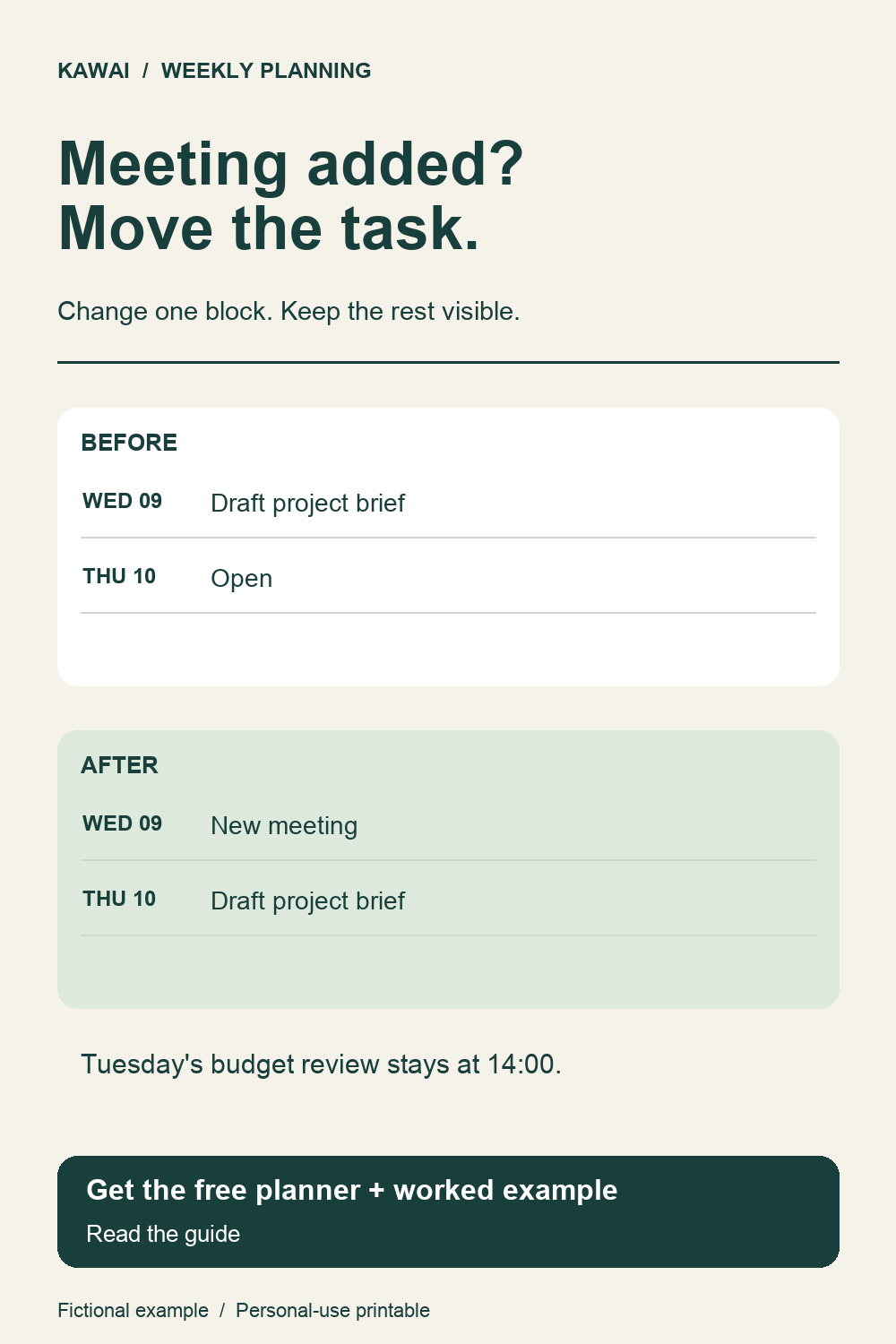
On Tuesday morning, a new Wednesday 9:00–10:00 meeting is confirmed. Jordan opens the planner and looks at Wednesday. The brief draft block is now in direct conflict.
The move: Thursday 10:00–11:00 is currently open. Jordan shifts the brief draft there. The Thursday 15:00 client call stays — it involves other people and cannot move without agreement. Tuesday's budget review at 14:00 stays unchanged; it was already scheduled and does not need to move.
In this example, the brief draft needs to be ready for the client call. Moving it to Thursday morning preserves that order. In your own week, check deadlines and dependencies before moving a task.
Why Flexible Space Matters
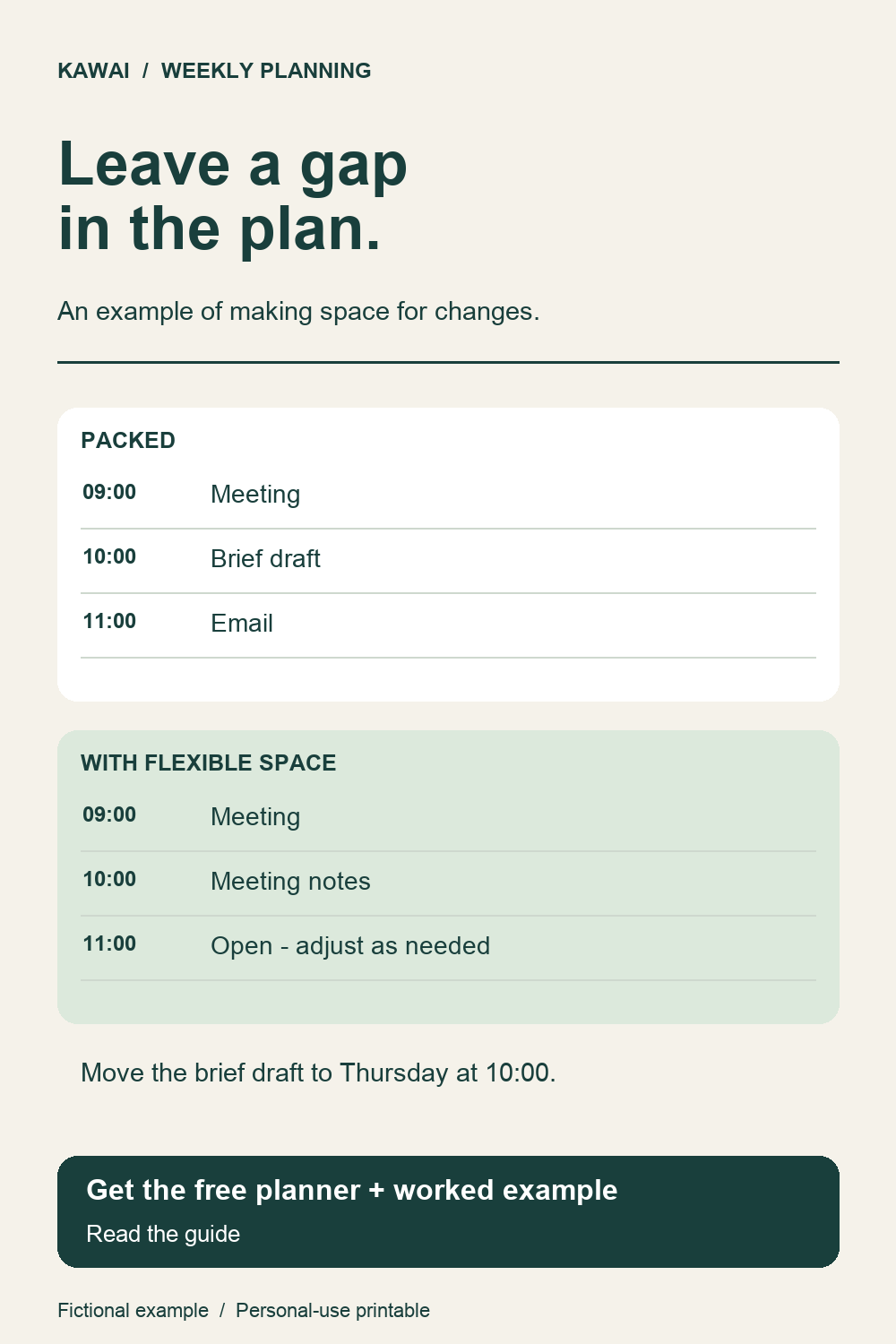
Consider the difference between two versions of Wednesday after the change:
Overfilled: 9:00 new meeting / 10:00 brief draft / 11:00 email catch-up
Flexible: 9:00 new meeting / 10:00 meeting notes / 11:00 open
The flexible version has one intentional task after the meeting and one open slot. If something urgent arrives, there is room for it. The overfilled version leaves no room to absorb anything new.
These are examples, not universal rules. How much open space is useful depends on the type of work, the number of fixed meetings, and how predictable the week tends to be.
The Weekly Review
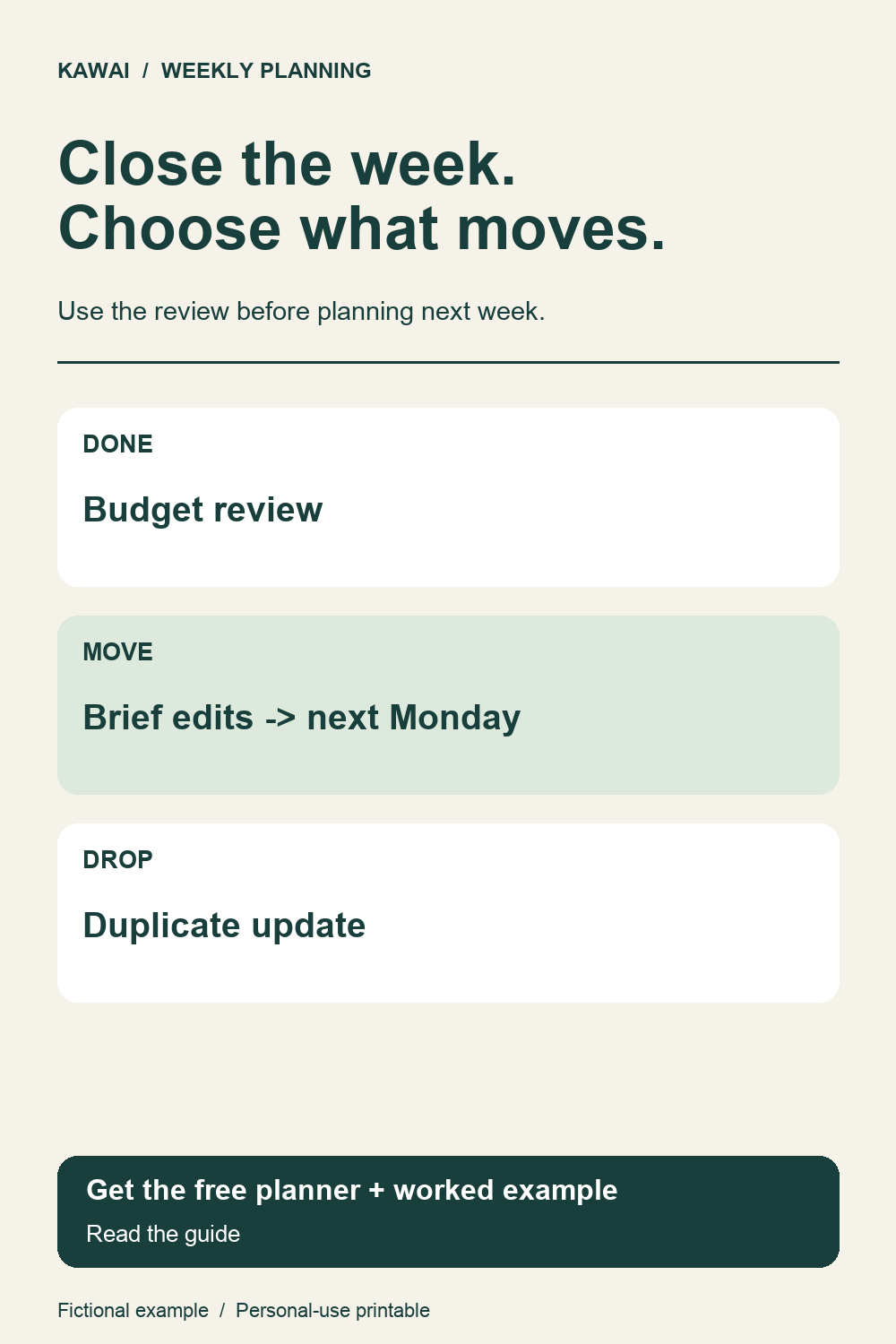
At the end of the week, Jordan fills in the review section:
- Done: Budget review complete
- Move: Brief edits — carry forward to Monday next week
- Drop: Duplicate client update (the point was covered on the Thursday call)
Use the review to decide which unfinished items still matter. Carry forward only the items you intend to revisit; keep confirmed appointments in your calendar.
Download the Printable
The template is one page, formatted for standard letter paper. An A4 version is also available.
Both are free for personal use. No account or signup is required. Print, fill in by hand, and adjust as the week moves.